One-tap overnight recording
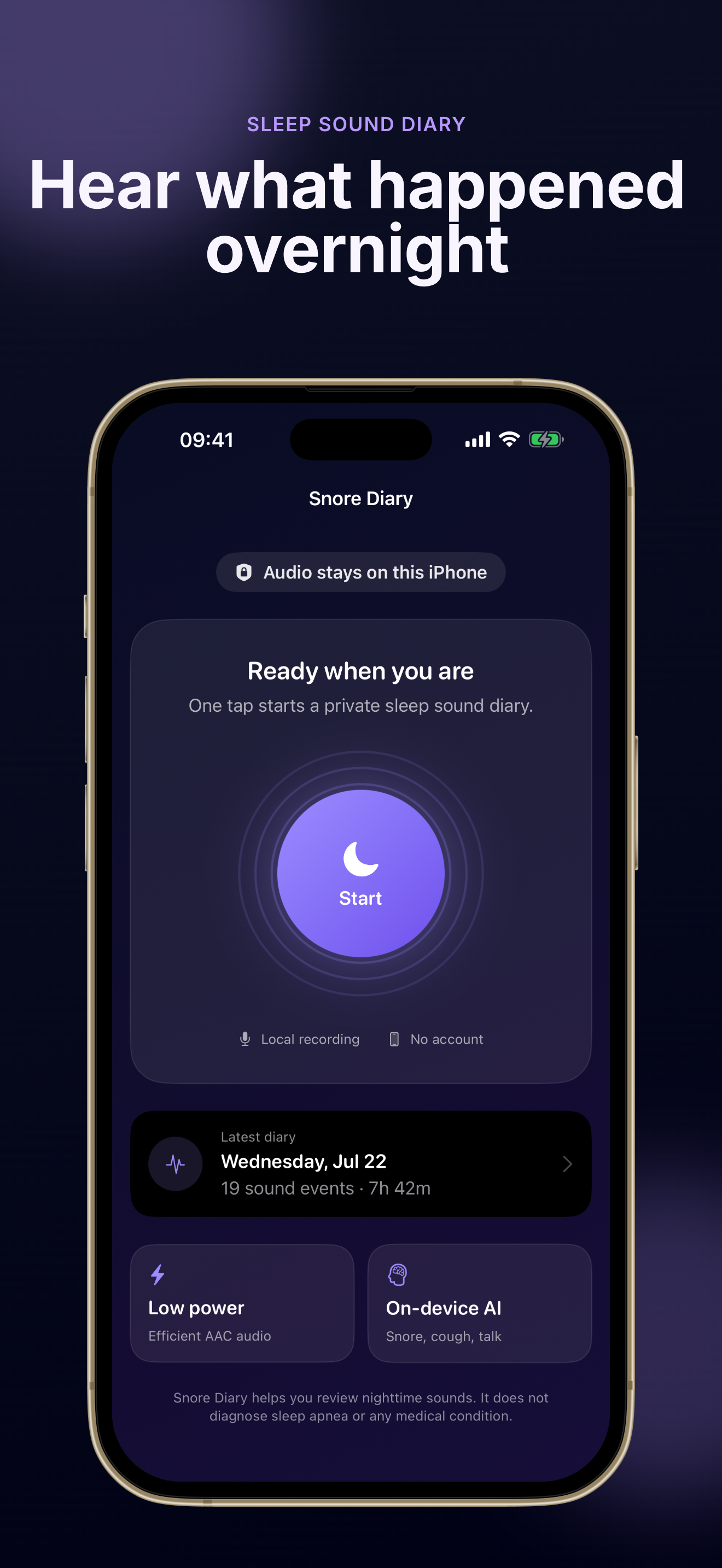
Tap start once, sleep normally, and let Snore Diary capture the night in the background for up to 12 hours.
Private sleep sound tracking for iPhone
Start Snore Diary with one tap before bed, then wake to a timeline of estimated snoring, coughing, and talking events. Audio stays on your iPhone—no account, no cloud upload, and you can delete any night or clip.
Built for people who want nighttime sound awareness without sending private audio to the cloud.
Scroll through real Snore Diary screens for recording, timelines, weekly history, and privacy-first settings.
Snore Diary focuses on one job: help you review the sounds you make at night without turning your bedroom into a data pipeline.
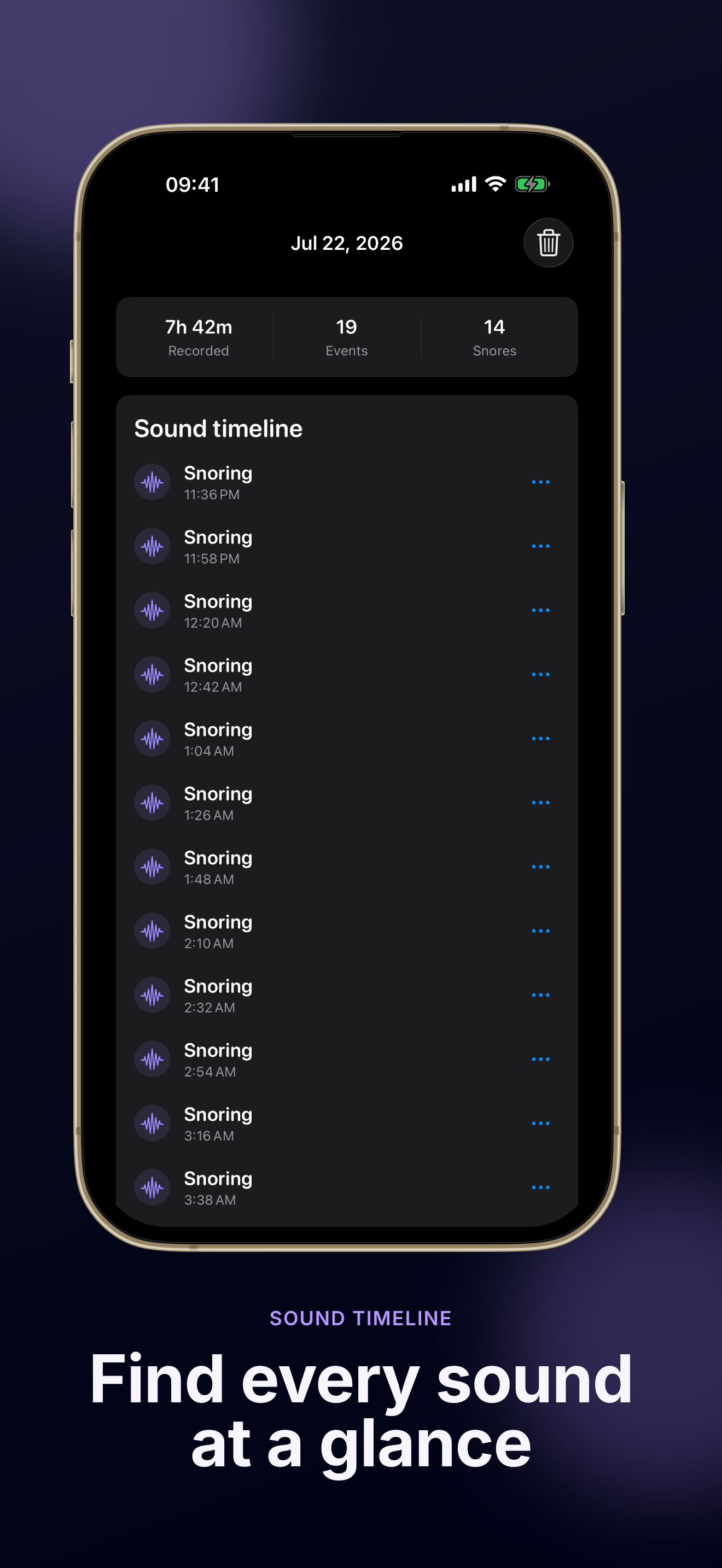
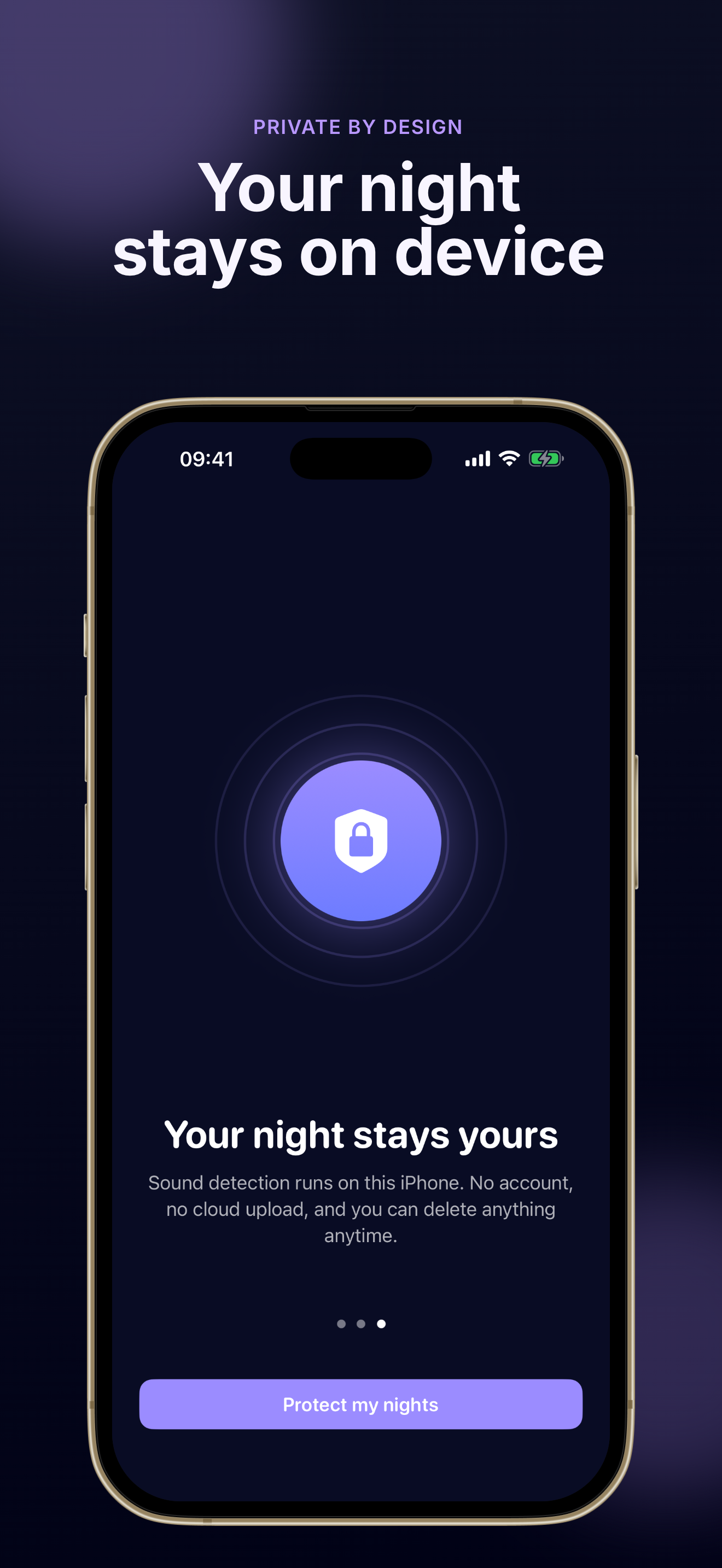
After each night, Snore Diary shows estimated snoring, coughing, and talking events on a clear timeline. Replay short clips around each moment instead of scrubbing through hours of raw audio.
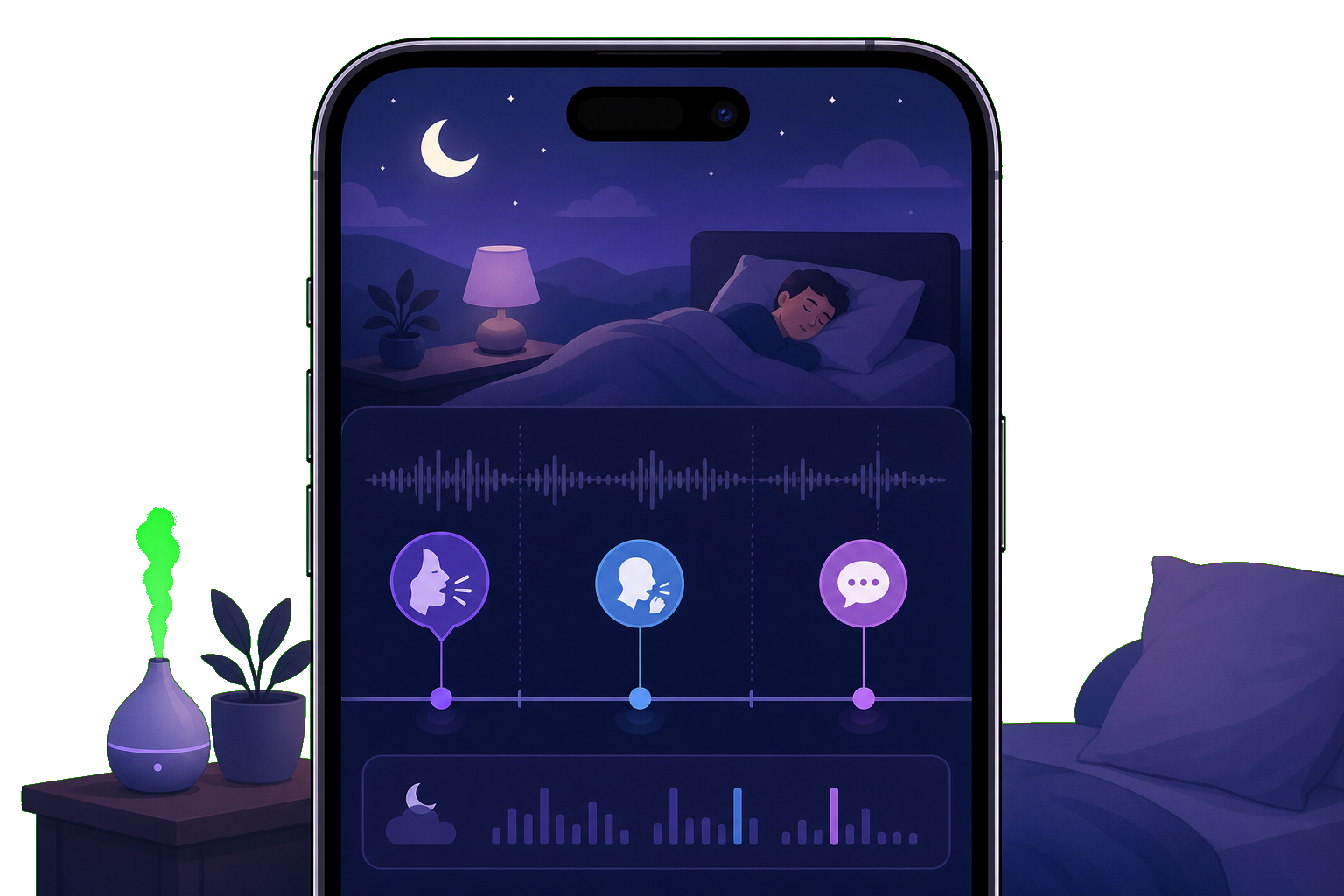
Snore Diary processes sleep audio on device with Apple Sound Analysis. Your recordings are not uploaded to our servers, no account is required, and you can delete a single clip, a full night, or everything in Settings.
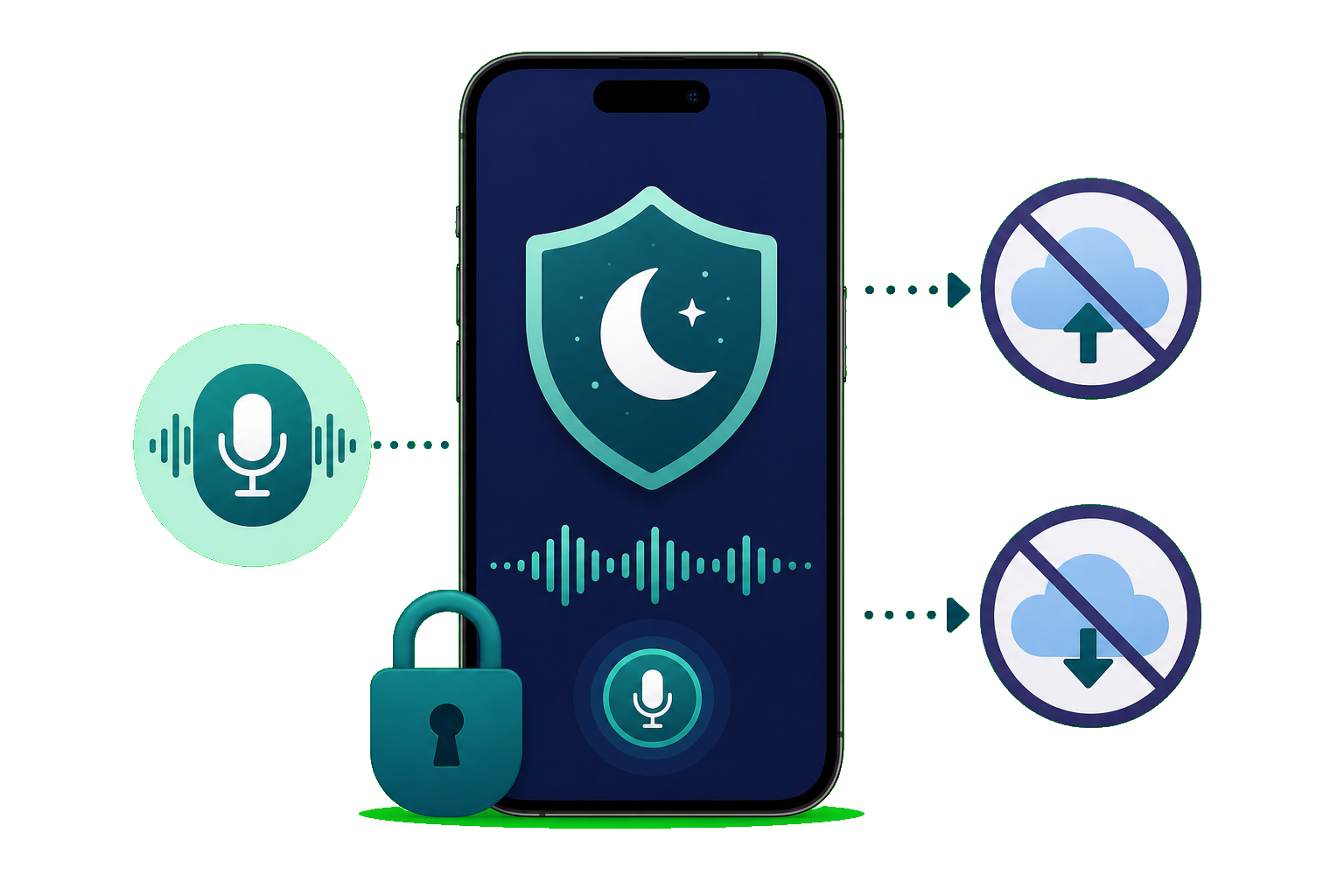
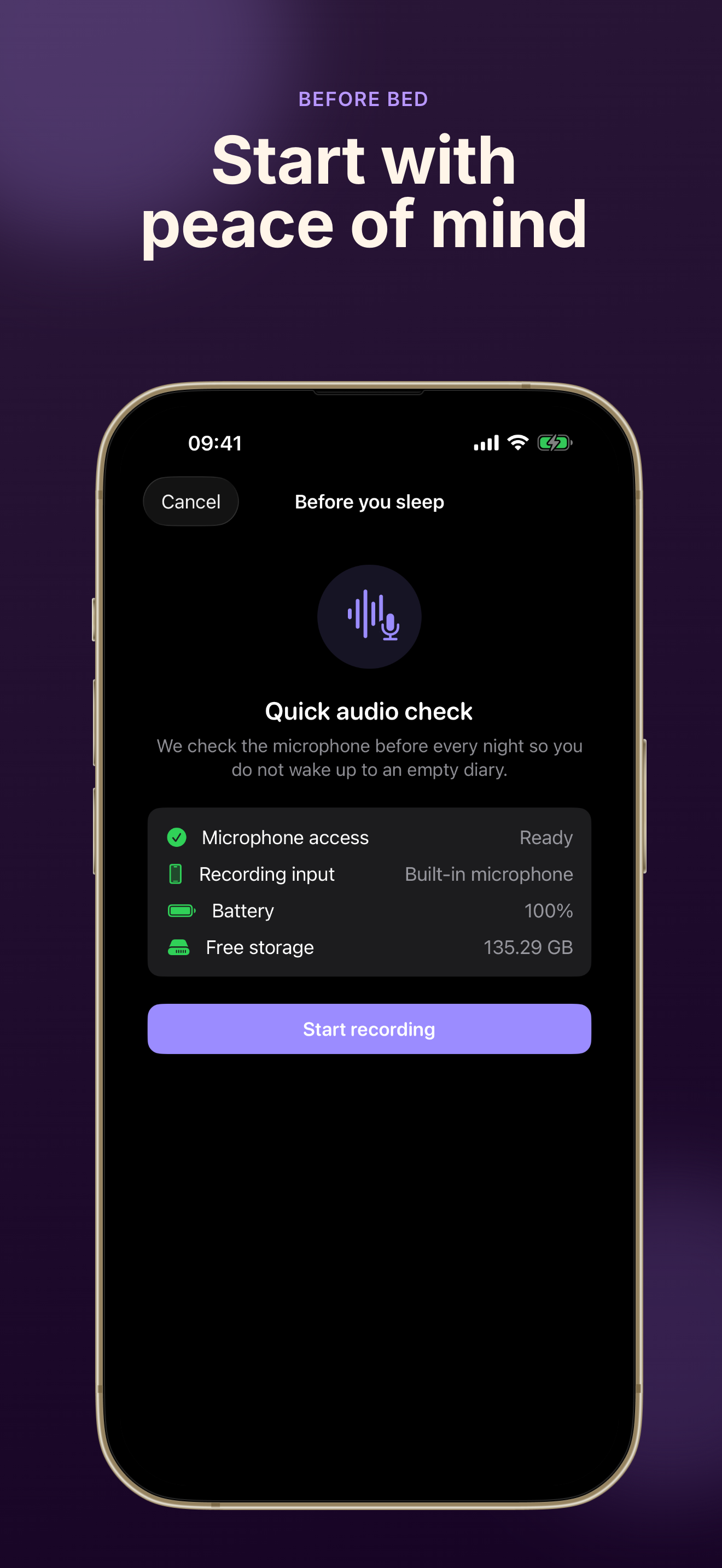
Snore Diary runs a quick audio check for microphone access, input device, battery, free storage, and Bluetooth warnings so you know recording is ready before you fall asleep.
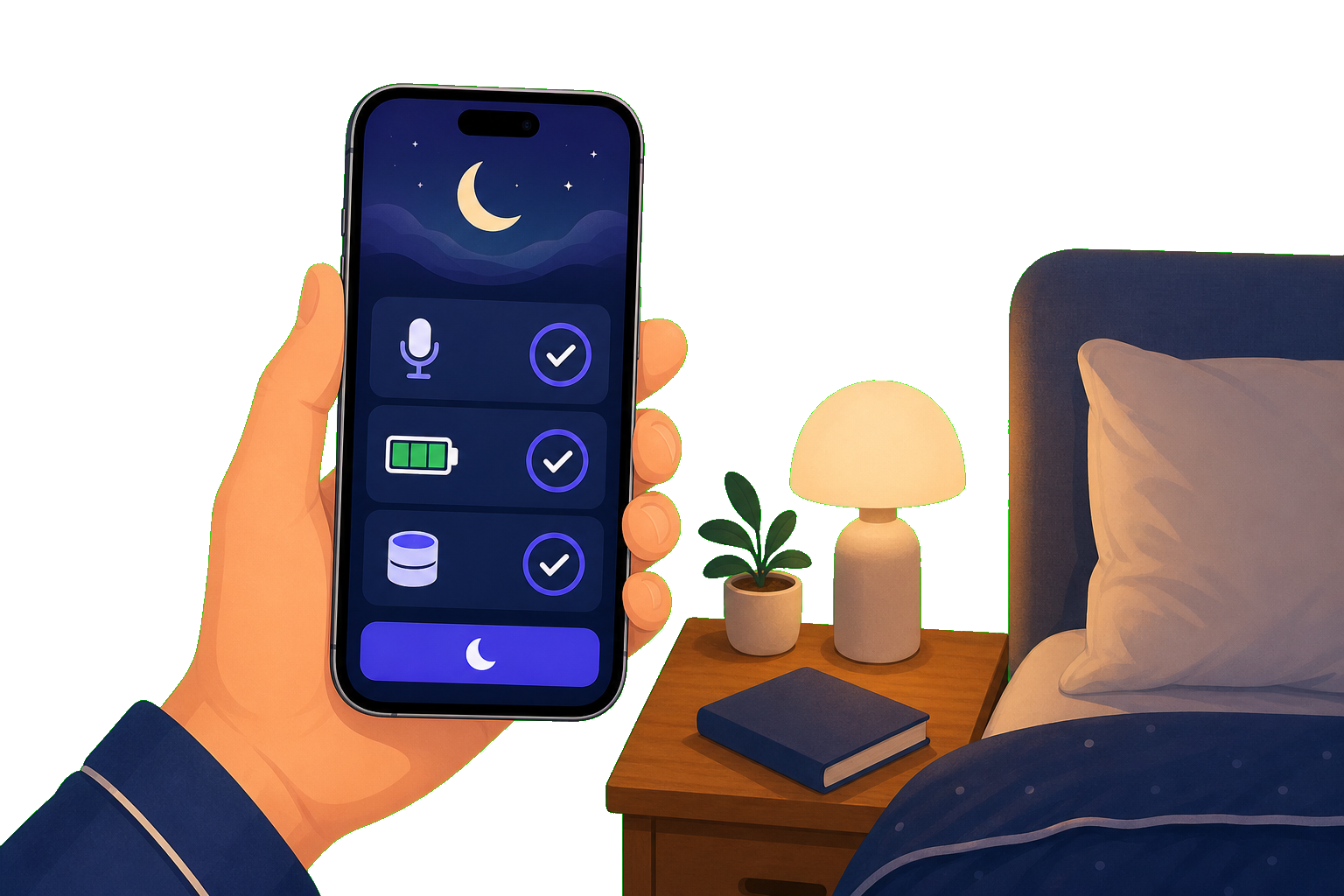
From a simple recorder to deeper trends, Snore Diary helps you notice patterns in your own sleep sounds over time.
Tap start once, sleep normally, and let Snore Diary capture the night in the background for up to 12 hours.
Snore Diary uses Apple Sound Analysis on your iPhone to estimate snoring, coughing, and talking without sending audio to the cloud.
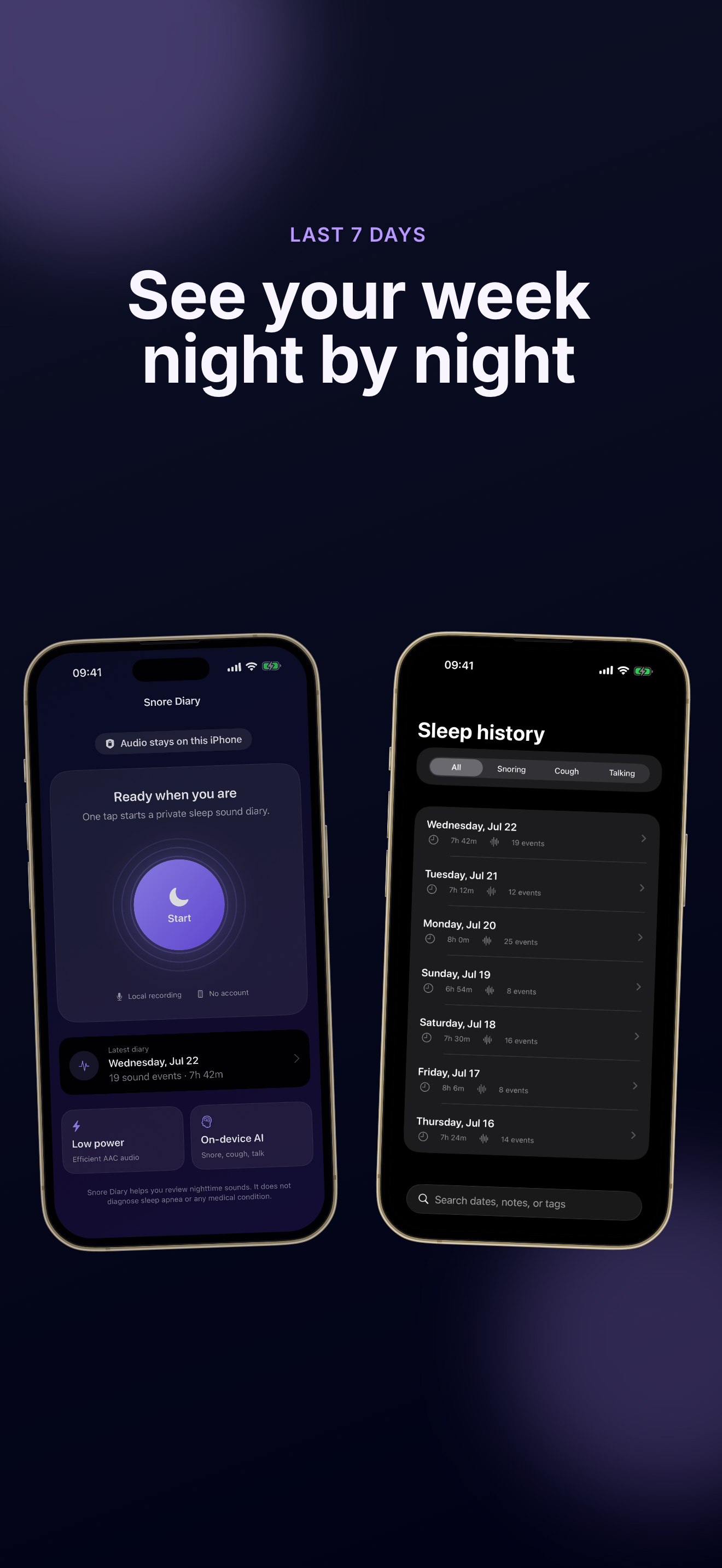
Review recent nights, filter by sound type, search notes or tags, and replay only the moments that matter.
Unlock unlimited history, 28-night activity trends, 7-day comparisons, personal factor notes, favorites, and PDF or CSV exports.
Set a daily reminder or use Siri to open Snore Diary's microphone check so recording starts on your schedule.
Remove one sound clip, one night, or all Snore Diary data from your iPhone whenever you want.
Three simple steps to get your first Snore Diary night on record.
Install Snore Diary from the App Store, then grant microphone access when you start your first recording. Snore Diary only uses the mic during sessions you begin.
Snore Diary verifies your input, battery, and free storage before recording. If Bluetooth headphones are connected, you'll see a warning because they can affect capture quality.
Most people only need a few seconds to confirm everything looks good.
Open Snore Diary after you wake up, wait for analysis to finish, then browse snoring, coughing, and talking events. Add notes or tags in Pro to connect nights with lifestyle factors.
Snore Diary labels are estimates for personal awareness—they are not medical findings.
Read Snore Diary FAQClear answers about privacy, recording, and what Snore Diary can—and cannot—tell you.
No. Snore Diary stores sleep diaries and short sound clips in private on-device storage on your iPhone. Audio analysis runs locally with Apple Sound Analysis, and Snore Diary does not upload your recordings to our servers.
No account is required. Snore Diary works entirely on your iPhone. You only need an internet connection when you choose to purchase or restore Snore Diary Pro through the App Store.
No. Snore Diary helps you review nighttime sounds for personal awareness. It does not diagnose sleep apnea, score sleep quality, or provide medical advice. Sound labels are estimates, not medical findings.
Free Snore Diary includes overnight recording, on-device analysis, short-clip playback, and the most recent 7 days of history. Snore Diary Pro unlocks unlimited history, 28-night trends, 7-day comparisons, factor notes, custom tags, favorites, and PDF or CSV exports.
Swipe to delete a night in History, remove individual events, or use Settings → Delete All Sleep Data to erase every Snore Diary diary and clip from your iPhone.
Snore Diary requires iOS 17 or later. For reliable overnight capture, keep your phone charged and leave at least 500 MB of free storage.
Snore Diary is a private way to understand the sounds you make while you sleep.
Start tonight with one tap—your audio stays on your iPhone.
Snore Diary is not a medical device. For health concerns, talk to a qualified professional.